Updates

New features, adjustments and improvements for Mechmate.

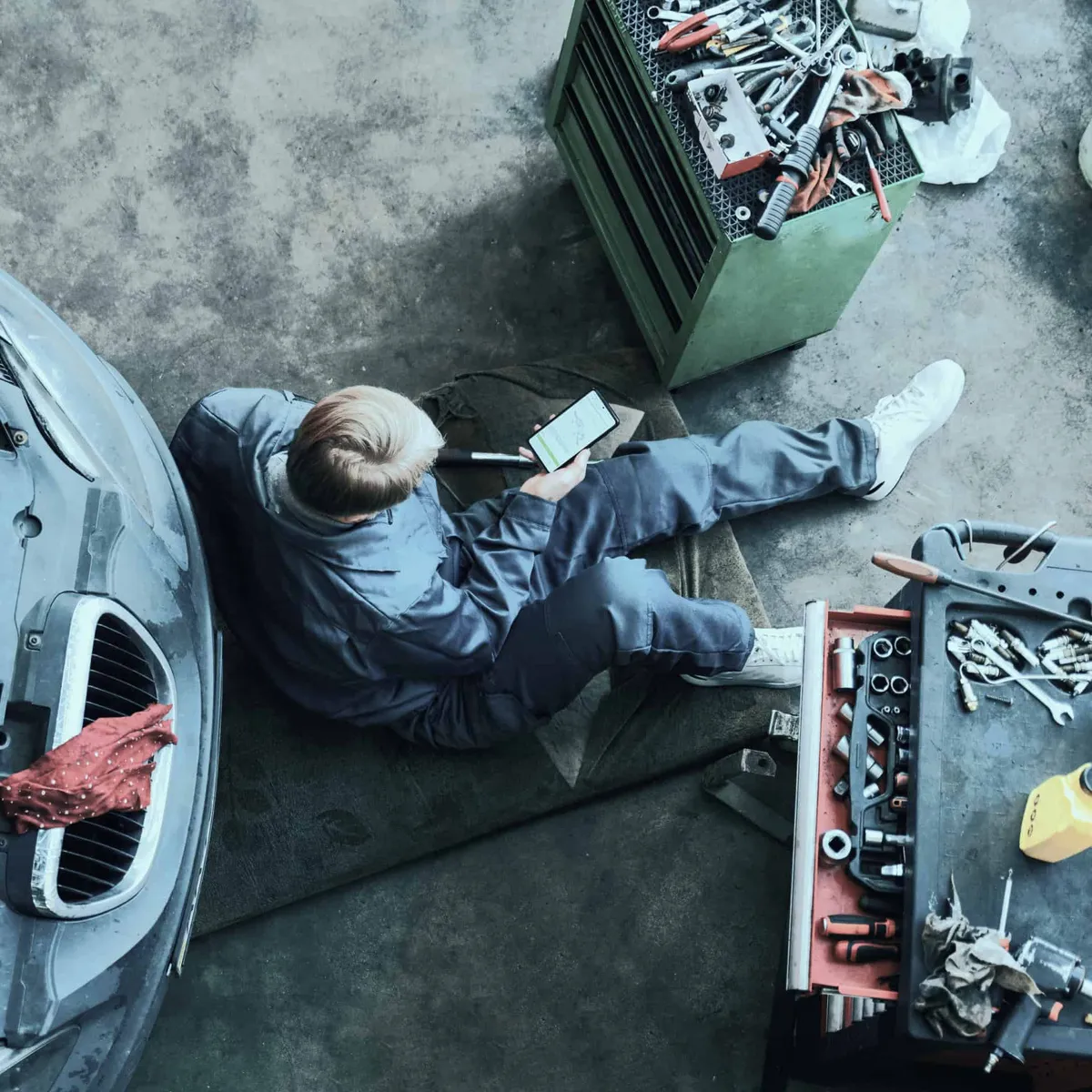
Mechanic's hands checking and repairing broken car in service garage
February 28, 2026

Complete history for every vehicle and equipment

We’ve added a complete history to every vehicle and equipment record. The goal is simple: when a vehicle comes back to the shop, you know exactly what was done, when and by whom, without digging through paper files.

Activity timeline

Every equipment record shows a chronological timeline of everything tied to the vehicle:

  • Work orders — Every job with its status (to do, in progress, completed). Click an entry to jump straight to the work order.
  • Invoices — Billing history tied to the equipment, with direct access to each invoice.
  • Mileage and engine hour updates — Every reading is timestamped and kept. Mechmate always shows the most recent value on the record, but the full history stays within reach.
  • Maintenance entries — Recorded maintenance work.

Mileage and engine hour tracking

Mileage and engine hours work on a history principle: each update creates a timestamped record instead of replacing the previous value. That lets you:

  • See the full progression over time
  • Calculate a usage rate (km/month or hours/month)
  • Spot anomalies or trends

Metrics are also captured automatically when a work order is opened, creating a snapshot of the vehicle’s state at the time of the job.

Beyond the timeline, every record includes:

  • Technical specifications — Engine, transmission, brakes, tires and more, decoded automatically from the VIN for road vehicles. Values can be edited manually as needed.
  • Photos and documents — A media gallery attached directly to the equipment, for keeping inspection photos, documents or any other relevant file.
February 15, 2026

KPIs and dashboards

We’ve rolled out a set of metrics modules so you can track your shop’s performance without digging through data or exporting to Excel. Dashboards are available at three levels: shop, customer and equipment.

Shop dashboard

Right from the home page, you get an overview of your business across five sections:

  • Operations — Work orders to do, in progress, completed and overdue. Average cycle time and completion rate.
  • Team — Technicians clocked in right now, on which work order and for how long. Total hours and average time per work order, per technician.
  • Financials — Revenue, invoices paid, unpaid and overdue. Profit margin with a trend line and average value per invoice.
  • Customers — New customers, new equipment and upcoming appointments.
  • Contracts — Active and expiring contracts, revenue generated, discounts granted and credit usage.

Customer metrics

Every customer record now includes its own indicators, so you can quickly gauge a customer’s value and the state of their equipment:

  • Outstanding balance, revenue generated, paid and overdue invoices
  • Fleet status: active equipment, last service, breakdown by type
  • Average cost per equipment and fleet revenue

Equipment metrics

Every vehicle or equipment record shows its individual profitability:

  • Financials — Revenue generated vs. costs, average value per job
  • Operations — Number of jobs, average service time
  • Usage — Mileage with monthly rate, engine hours

Each metric compares the current period to the previous one with trend indicators. A period selector is built in, and the data refreshes automatically every 5 minutes.

January 11, 2026

Vehicle management and payments, transformed

The past few weeks brought major improvements to two parts of your daily routine: vehicle information management and payment tracking. These changes simplify your operations and save you time on repetitive tasks.

Vehicle management: more complete, more practical

Detailed, customizable specifications

You work with complex vehicles that call for precise information. Mechmate now lets you build and maintain a full list of specifications based on industry standards: trim, brakes, tires, colors, and much more.

What changes for you:

  • Inline editing: Edit specifications right in the interface without jumping between screens
  • Automatically enriched data: Integration with the NHTSA database for VIN decoding with complete vehicle information
  • Customization guaranteed: Manually override any automatic value that doesn’t match the reality of your shop
  • Pinned specifications: Show critical information directly on your work orders (digital and printed) for quick reference
  • An interface redesigned for efficiency: The new vehicle management interface organizes everything into logical categories. You can edit several fields at once and save in a single action.

Payments: automatic, transparent tracking

No more updating statuses by hand

The new payment management system tracks the state of your invoices automatically. As soon as a payment is recorded, the invoice status updates: DRAFT → READY → SENT → PARTIAL_PAID → PAID.

What changes for you:

  • Automatic statuses: No more manually changing invoice statuses after every payment
  • Flexibility preserved: If you don’t record payments, you keep full manual control
  • Every payment method: Full support for CASH, CHECK, CREDIT_CARD, DEBIT_CARD, WIRE_TRANSFER, OTHER
  • Full traceability: Each payment can be pending, confirmed, reconciled with the bank, cancelled or refunded

Technical improvements

  • Migration to XState for more robust state management
  • Fixed synchronization bugs that caused data loss
  • Snapshot system to capture a vehicle’s state in your work orders

In short

These improvements mark a major step for Mechmate toward a more complete, professional platform. Vehicle management becomes richer and more customizable, while the payment system automates the repetitive work.

The concrete benefits:

  • Less time lost searching for or entering vehicle information
  • Automatic tracking of your invoices and payments
  • Data that’s always current and reliable
  • A more secure foundation for your financial operations
© 2026 Mechmate. Made in Quebec, Canada